
Choose your benefit
Select Ground, Air, or Ground + Air. Then choose Individual, Family, or Household coverage and monthly or annual billing.
Compare your optionsFROM ENROLLMENT TO RECOVERY
Choose your membership before an emergency. If you need an ambulance later, get care first and use your portal to submit the financial paperwork afterward.
Find my membership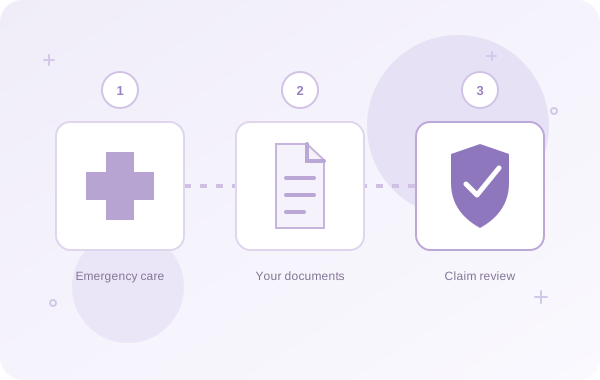
GETTING STARTED
Select Ground, Air, or Ground + Air. Then choose Individual, Family, or Household coverage and monthly or annual billing.
Compare your optionsEnter the primary member’s contact details, date of birth, and mailing address. Keep covered-person names and dates of birth ready for your roster.
Read the Membership Agreement, Privacy Policy, selected benefits, and recurring billing terms. Your final amount is shown before you complete secure payment.
Benefits begin immediately after successful enrollment payment. Use your portal to list eligible covered people and keep your membership information up to date.
A RECENT COST TREND
Emergency ground charges increased 9% beyond medical inflation, 2022–2025.
Elevance commercial claims; billed charges, not patient balances.
Elevance Health · July 2026 ↗WHEN AN EMERGENCY HAPPENS
Emergency professionals determine the transportation you need. You do not need to contact EMS360 before calling 911 or wait for membership permission to seek emergency care.
EMS360 is not an ambulance operator or emergency dispatcher. Your membership addresses eligible expenses after a covered emergency transport under its terms.
Medical emergency? Call 911. Do not delay emergency treatment to discuss billing or membership.

AFTER THE RIDE
Once the ambulance bill and your health plan’s decision arrive, collect the documents needed to explain the transport and remaining costs.
The provider’s bill or statement, including transport date, charges, and the remaining balance.
The EOB or insurance decision that shows how the claim was processed. An EOB is different from a provider’s invoice.
Include receipts if you have already paid and any additional documents requested during review. Refer to the Membership Agreement for exact requirements and submission deadlines.

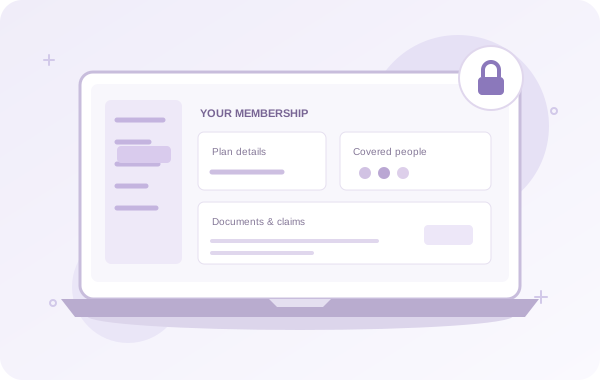
SUBMIT AND FOLLOW YOUR CLAIM
EMS360 reviews the event and expenses under your selected membership. Submission is not automatic approval; eligible claims are handled according to the Membership Agreement.
Open member portalWHY THE PAPERWORK MATTERS
Of U.S. adults would put a hypothetical $400 emergency expense on a credit card and pay it over time in 2025.
General financial readiness; not an ambulance-bill survey.
Federal Reserve · 2025 survey ↗MANAGING YOUR MEMBERSHIP
Your plan renews on the monthly or annual schedule you select unless cancelled before renewal.
Eligible upgrades apply immediately after payment, using a prorated credit for the unused value of your previous plan. The upgrade date becomes the new effective and renewal date.
Changes that reduce benefits and cancellations take effect at the upcoming renewal. Refunds require special approval.
A failed renewal payment has a 30-day grace period. Update your payment information promptly to keep the membership current.
Do not assume an unexpected provider charge is correct. Review your insurer’s decision, ask about billing errors, and check your federal or state protections. Keep copies of any corrected invoices for your claim.
Review your medical billing rights with CMS ↗Choose the emergency ambulance membership that fits your life.